
Download Easy Exif Delete – delete exif data, remove exif, exif privacy, photo metadata, secure photo sharing
Overview
Easy Exif Delete is a focused utility application designed to help users remove Exif (Exchangeable Image File Format) data from digital photographs. Exif metadata can include sensitive information such as GPS coordinates, camera model, shutter speed, date and time of capture, and editing history. For individuals concerned about privacy, especially when sharing photos online or on social media platforms, this app provides a simple solution to eliminate these data traces. The app is particularly valuable for photographers, travelers, journalists, and everyday users who want to ensure their images do not reveal personal or technical details unintentionally.
Developed with a minimalist philosophy, Easy Exif Delete emphasizes functionality over complexity. The developer did not provide additional technical details about the app’s architecture or development background. However, the app’s long-standing presence since its release on February 14, 2011, suggests a stable and reliable core functionality. It operates as a standalone tool within the Android ecosystem, targeting users who prioritize privacy and control over their digital content. The app is especially useful in scenarios where public image sharing could expose location data or device-specific information.
Within the broader mobile app ecosystem, Easy Exif Delete fills a niche role as a lightweight, no-frills privacy tool. Unlike more complex photo editing suites, it performs one task exceptionally well: metadata removal. This focused approach ensures minimal system resource usage and avoids unnecessary permissions. Its free pricing model makes it accessible to a wide audience, reinforcing its role as a practical utility for digital privacy protection.
Key Features & Functionality
- User-Friendly Interface: The app features a clean, intuitive layout that allows users to navigate and perform actions without confusion. Even those unfamiliar with technical terms like “Exif” can easily understand the app’s purpose and use it effectively.
- Quick Exif Deletion: With a single tap after selecting an image, the app removes all embedded metadata. This streamlined process reduces time and effort, especially when managing multiple files.
- Privacy Protection: By eliminating geolocation data and camera specifications, the app helps users maintain anonymity and prevent unintended exposure of personal information.
- Batch Processing: Users can select multiple photos at once and remove Exif data in a single operation, significantly improving efficiency for large photo collections.
- Support for Various Formats: The app is compatible with common image formats including JPEG, PNG, and TIFF, ensuring broad usability across different devices and workflows.
For example, a traveler sharing vacation photos on social media can use Easy Exif Delete to remove GPS coordinates that might reveal their exact location. Similarly, a photographer preparing images for a public portfolio can use the app to strip out camera settings and editing history, preserving professional presentation. The batch processing feature is particularly beneficial for users with hundreds of photos stored in folders or cloud backups, enabling quick cleanup without manual intervention.
Interface, UX & Performance
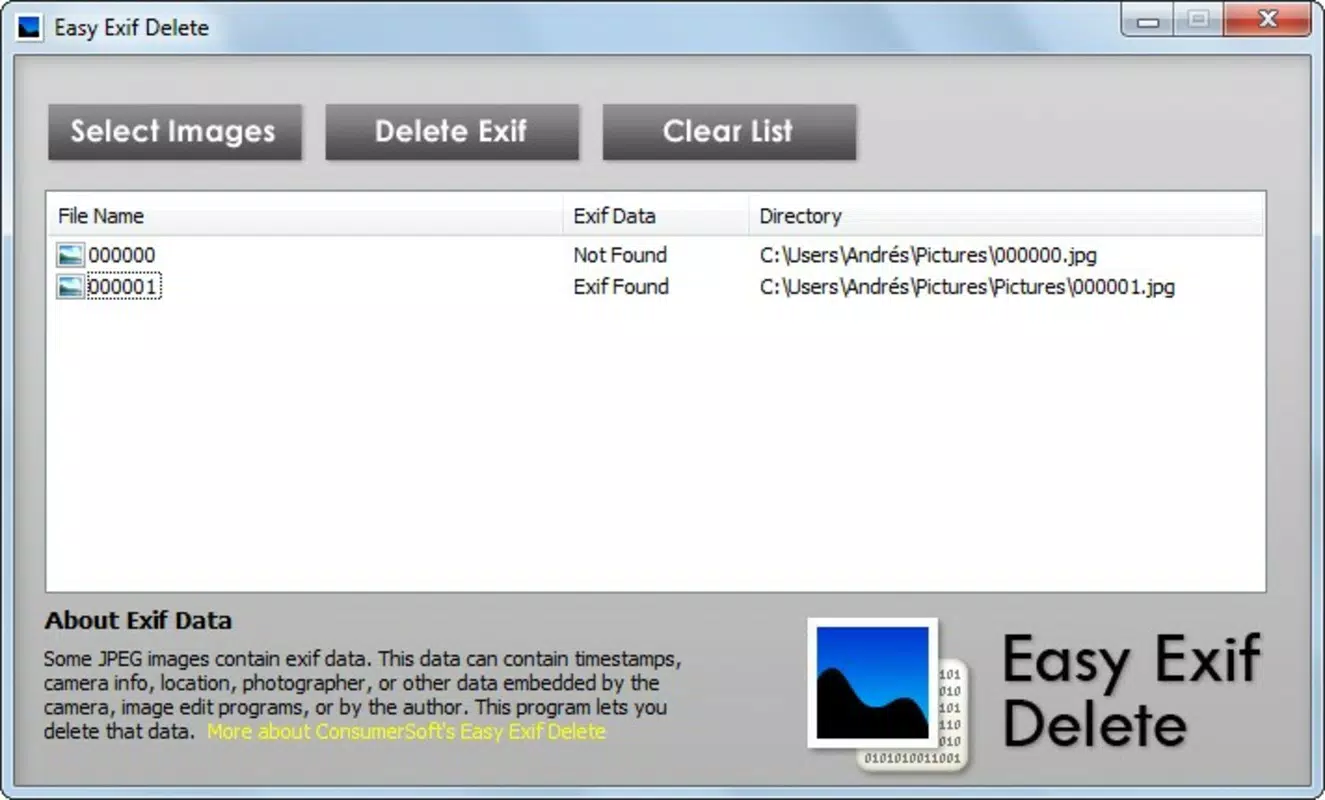
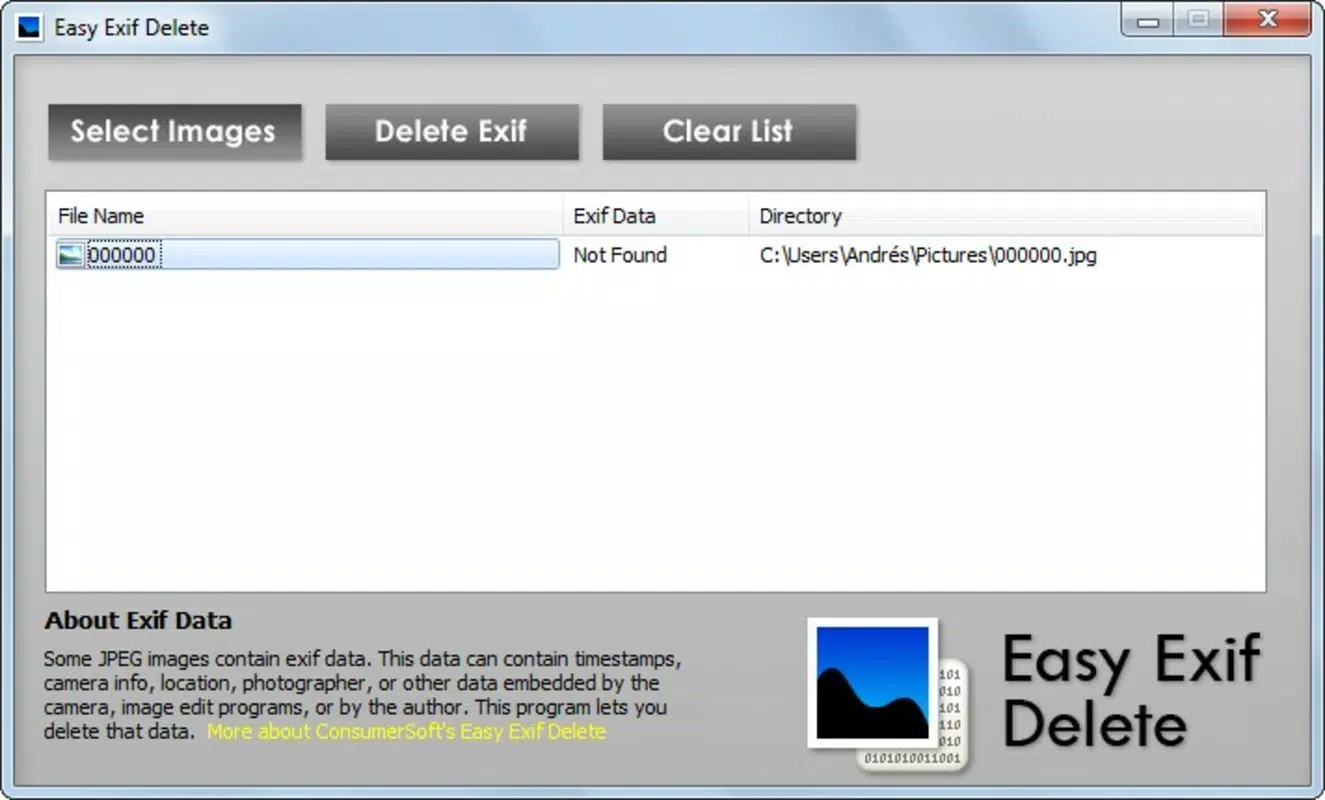
Easy Exif Delete presents a minimalist interface centered around file selection and deletion actions. The layout prioritizes clarity, with clearly labeled buttons and a straightforward workflow: select images, initiate deletion, and confirm. Navigation is linear and predictable, reducing the chance of user error. The visual style is functional rather than decorative, aligning with the app’s utility-driven purpose.
Although the developer did not list formal performance metrics, the app’s lightweight size of 2.0 MB suggests efficient resource usage. It is likely to operate smoothly on a wide range of Android devices, including older models with limited processing power. Responsiveness appears to be consistent, with minimal lag between selection and processing. The app does not require background services or internet connectivity, which contributes to stability and reduces battery drain.
Users can expect consistent performance across different screen sizes and resolutions, as the interface appears to scale appropriately. The absence of animations or complex transitions indicates a focus on speed and reliability. While no formal testing data was provided, the app’s long-standing availability suggests a proven track record of stability and usability.
Platform Compatibility & Technical Requirements
Easy Exif Delete is available exclusively on the Android platform. The current version is 1.0.0, with a file size of 2.0 MB. The developer did not specify minimum OS requirements or compatibility details for specific Android versions. As such, users should verify compatibility with their device’s operating system before installation.
Given the app’s age and small footprint, it is likely to function on Android 4.0 and later, though this is not confirmed. The app does not require internet access or special permissions beyond file system access, which is essential for reading and modifying image files. No additional hardware requirements were listed.
Pros and Cons
- Lightweight and fast with minimal system impact
- Free to download and use with no in-app purchases
- Supports batch processing for efficient bulk editing
- Compatible with common image formats like JPEG, PNG, and TIFF
- Simple interface ideal for non-technical users
- Developer did not provide detailed compatibility information
- No visible update history or changelog since release
- Limited to Android platform only
- No cloud integration or backup features
- Interface lacks customization options
FAQ
Is Easy Exif Delete safe to use?
Yes, the app is designed to work locally on your device and does not transmit your photos or data to external servers. It only accesses the selected files for metadata removal.
Can I recover Exif data after deletion?
Once Exif data is removed, it cannot be recovered from the file. The deletion is permanent and irreversible.
Does the app work on iOS devices?
Currently, Easy Exif Delete is only available for Android. There is no official iOS version.
Do I need an internet connection to use the app?
No, the app operates offline. It does not require internet access to delete Exif data.
How do I update the app?
Updates are available through the Google Play Store. However, no recent updates have been released since the initial launch.
Final Thoughts
Easy Exif Delete remains a reliable, no-nonsense tool for users who prioritize privacy and control over their digital photos. Its ability to quickly and permanently remove Exif data—especially geolocation and camera metadata—makes it a valuable asset in today’s privacy-conscious digital landscape. The app’s simplicity, free access, and support for multiple image formats ensure broad usability across different user groups.
While it lacks modern features like cloud sync or customizable settings, its focused functionality delivers exactly what it promises: secure, efficient Exif removal. For photographers, travelers, and everyday users sharing images online, this app offers peace of mind without complexity.
Download Easy Exif Delete now


